Training Room Recording (Trainer's Desktop)
As a Trainer, you're able to record the Training Room and capture all participants' desktops. This feature is great for reviewing what was covered or recounting any problems students ran into during the session, which can be a real help for troubleshooting—both for your own notes and for the development team—especially for training providers throughout New Zealand.
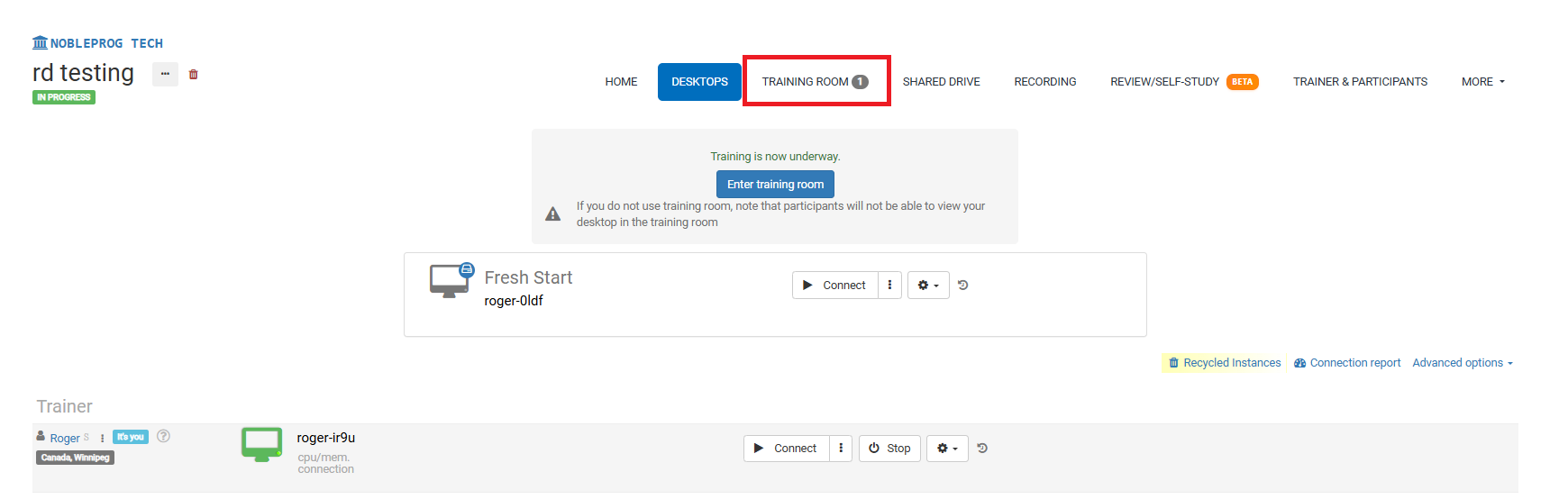
Training Room View:
Recording Button
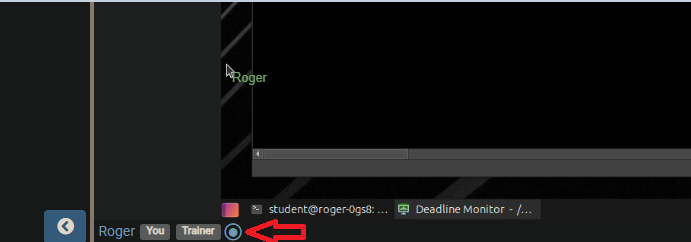
Once you're in the Training room, find the recording button down the bottom, as shown in the screenshot below where it sits next to your name and the tags linked to your user.
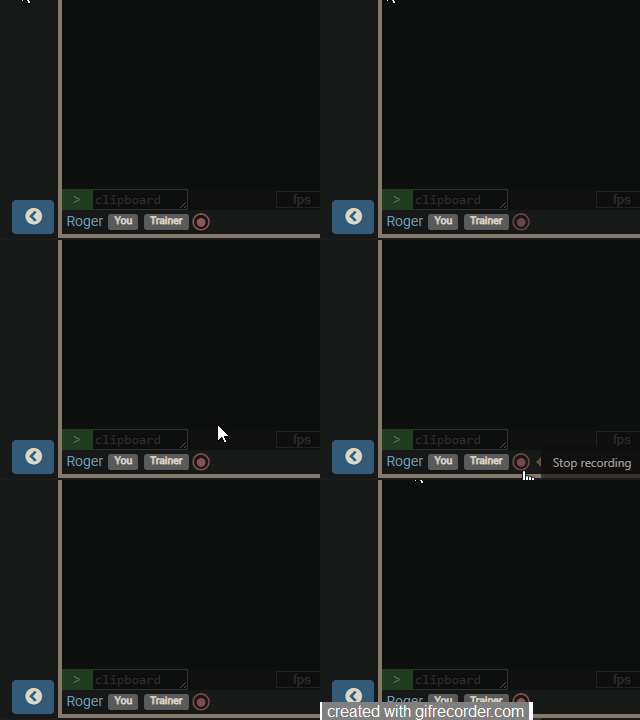
When you activate the button, the recording will kick off and the button will start to flash red slowly. To stop the recording, just click it again.
Accessing Recordings
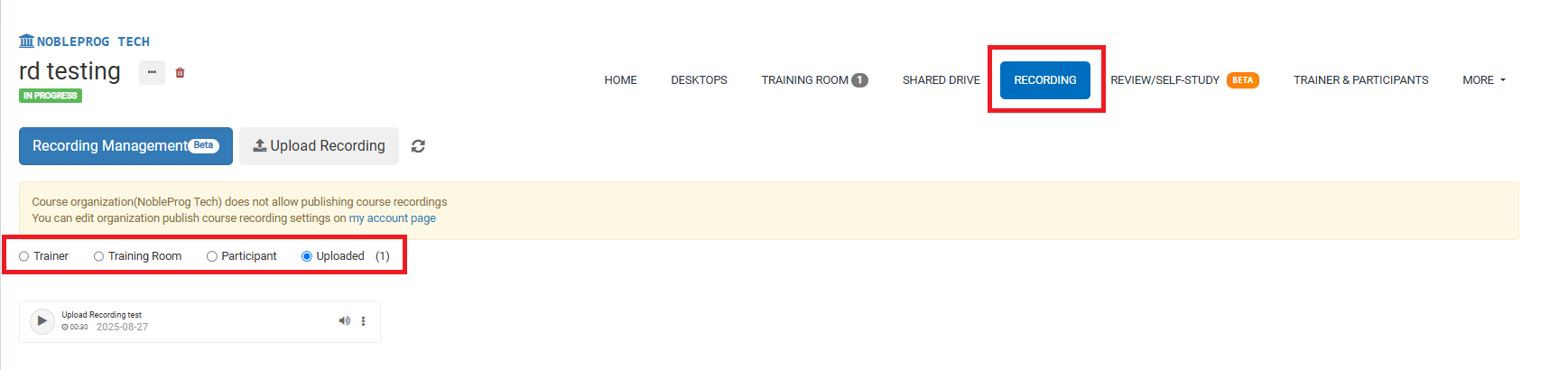
On the course page, you can get to all your recordings by clicking the `Recordings` tab. Once you’ve chosen it, you’ll be able to pick which type of recording you’d like to view.