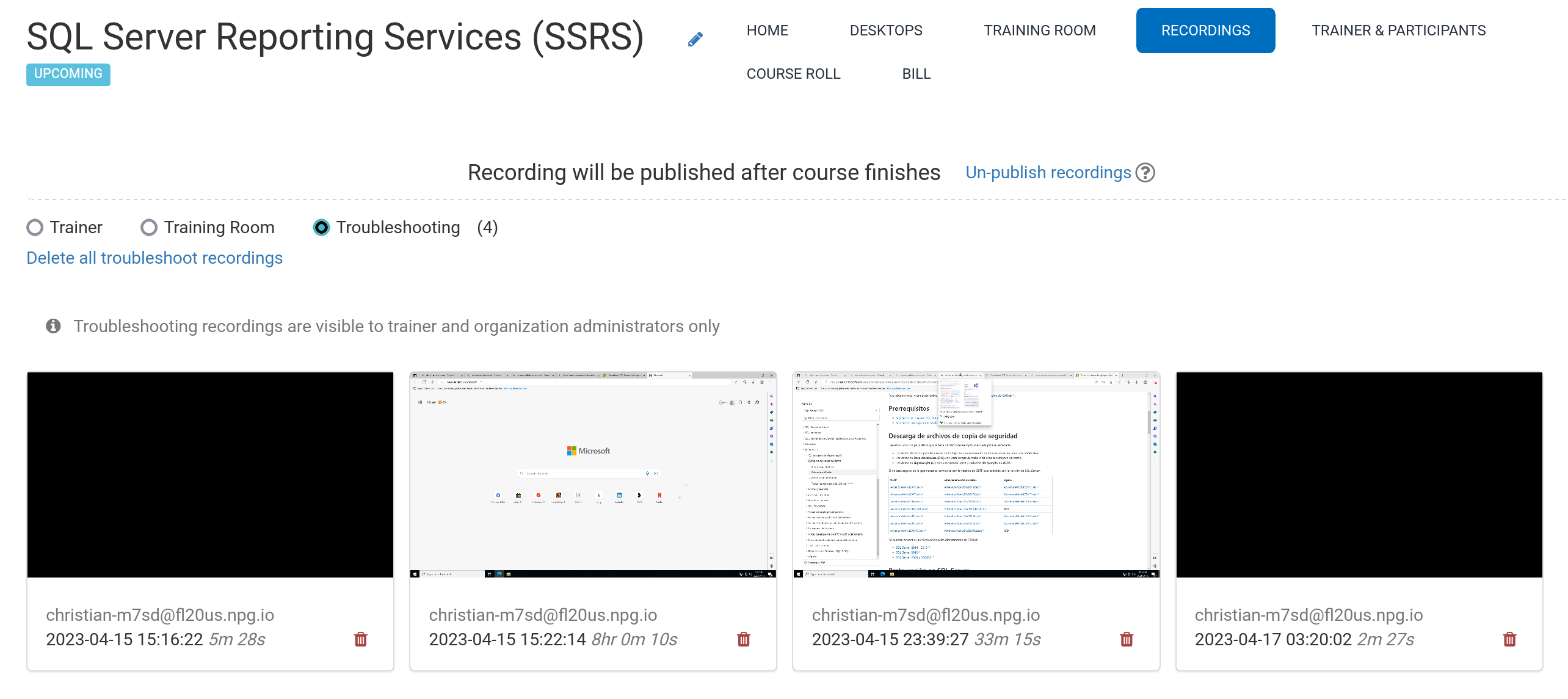
Auto Course recording (Trainer's Desktop)
Recordings of the Trainer's Desktop, or the Training Room if it's used during the course, are automatically captured.
Hit the red button again to stop the recording.
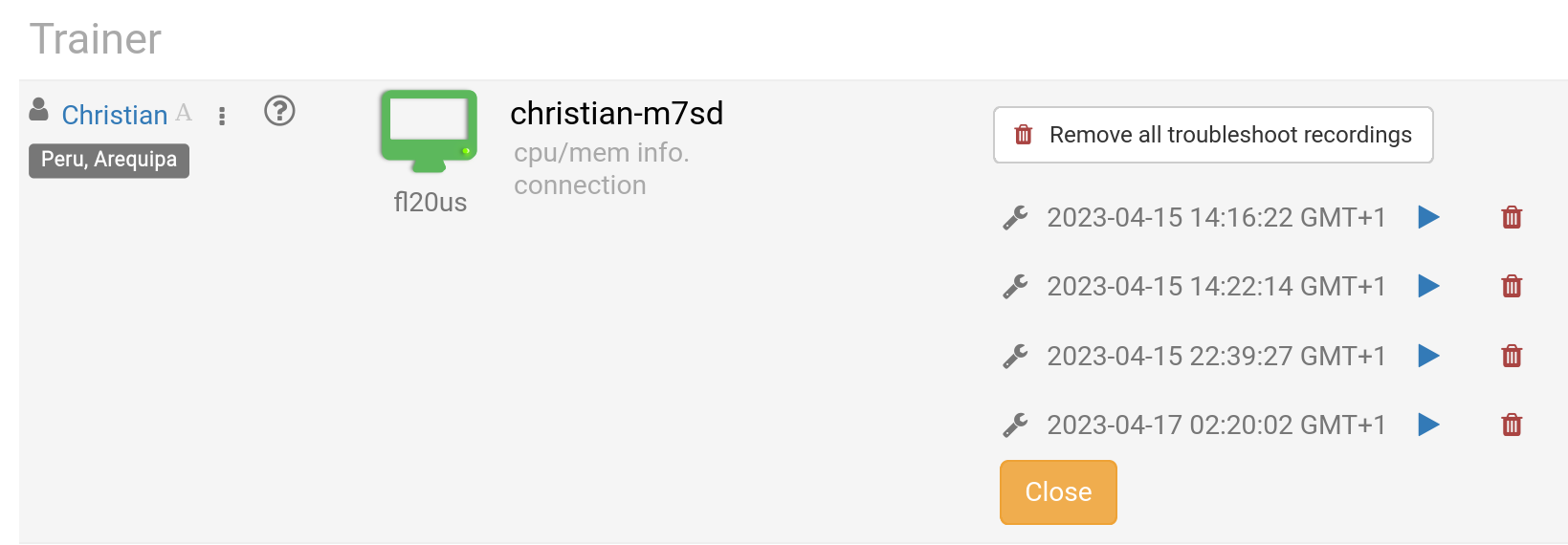
The Trainer can delete any recordings as needed. Troubleshooting recordings are also created automatically while the course is being prepared, but they're only used for sorting out course setup issues if necessary.
You can view your recordings in the Recordings section. This is divided into three categories:
- Trainer
- Training Room
- Troubleshooting
Only Trainer and Training Room recordings can be published externally.