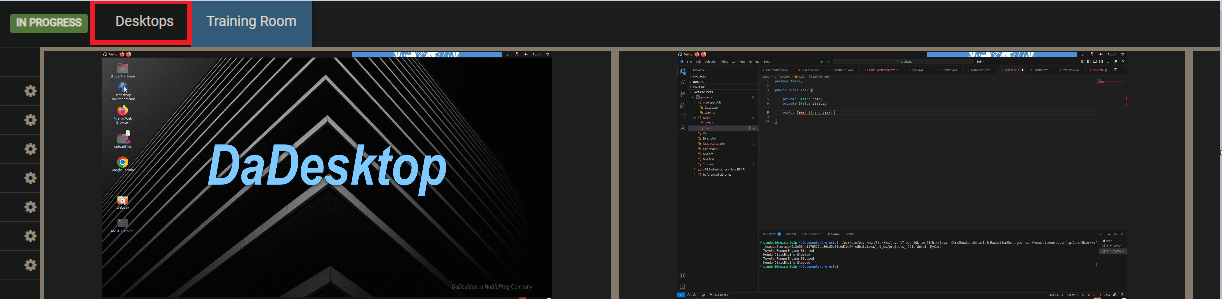
Training Room View
The Training Room is a handy way to jump into a course.
It lets learners:
- Take charge of their own Virtual Desktops (Trainers can also manage a Participant’s desktop)
- See the Trainer Desktop in Grid or Side by Side mode
- Record their Desktop
- Pop their Desktop out to another browser window or, if they prefer, a separate monitor.
- Chat
-
View Training Materials
All of this happens within a single browser window. To keep things simple for new users, once participants have joined their course they’re dropped straight into the Training Room.
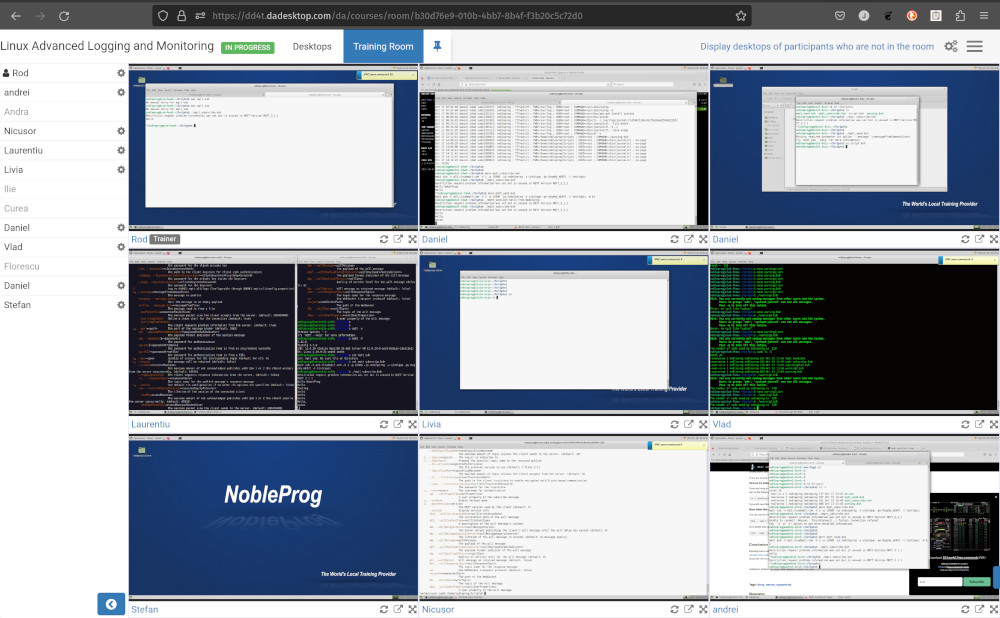
Trainers also get the ability to see all learners’ machines at once and can interact with any of them—perfect for lending a hand to someone who needs a bit of help or is falling behind. Having every student desktop in one view is second to none and really helps replicate the traditional classroom teaching style.
Training Room View (Trainer view)
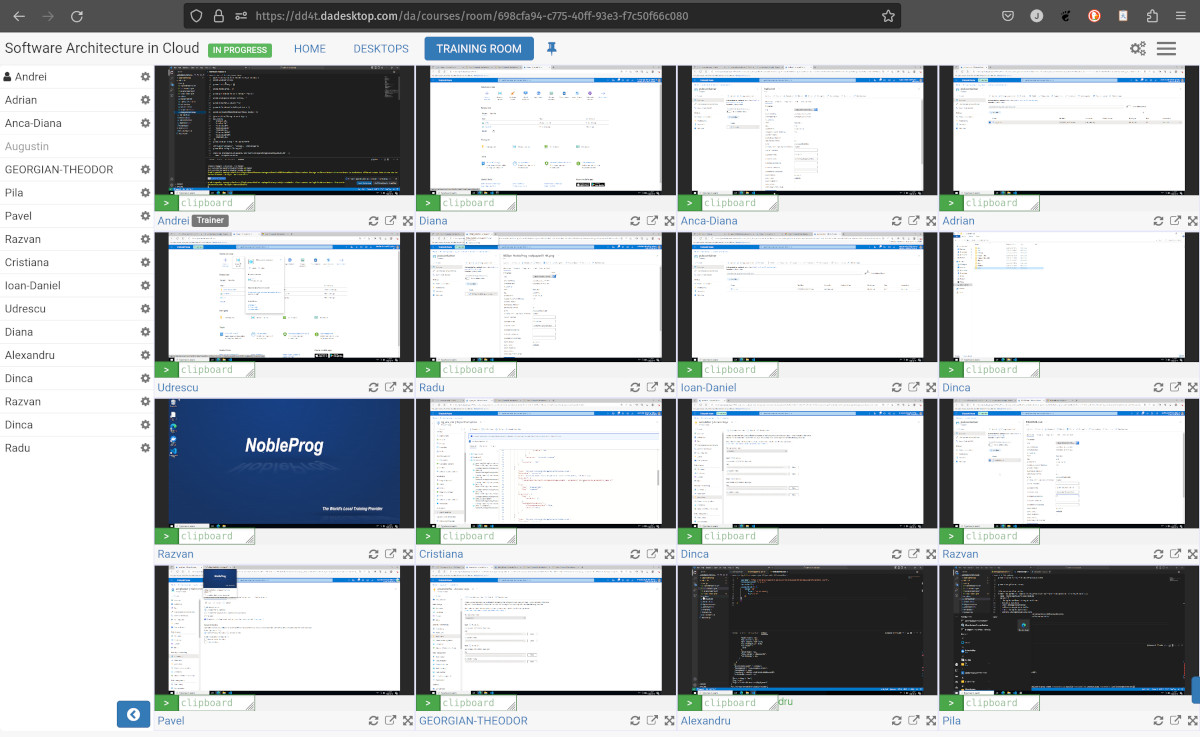
Training Room view with 16 participants (Trainer only)
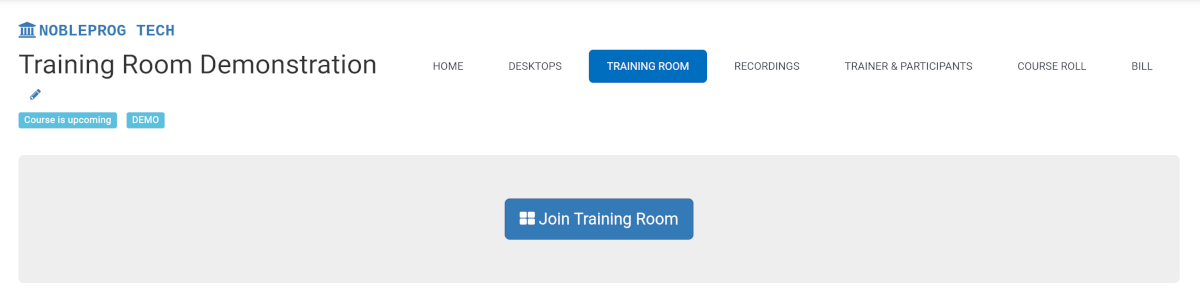
Getting into a Training Room
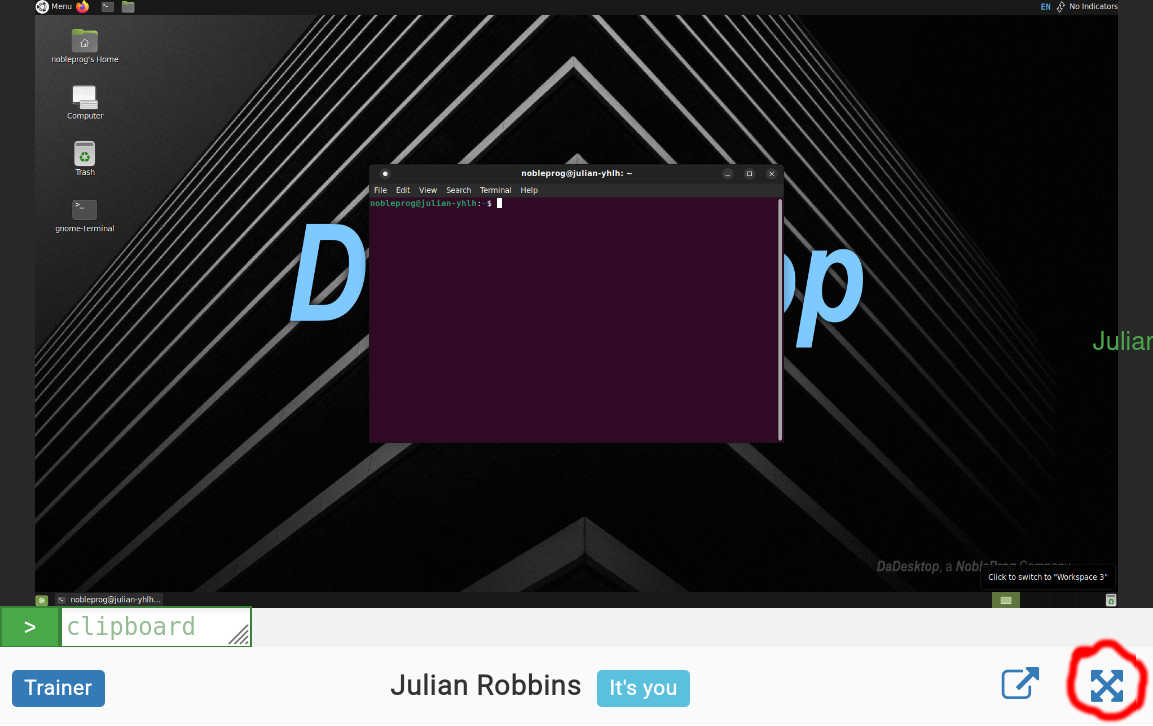
Maximising the Window
Exiting the Training Room View
While it might not be super obvious, to leave the Training Room view just click the `Desktop` tab again and you’ll be taken back to the Training page.