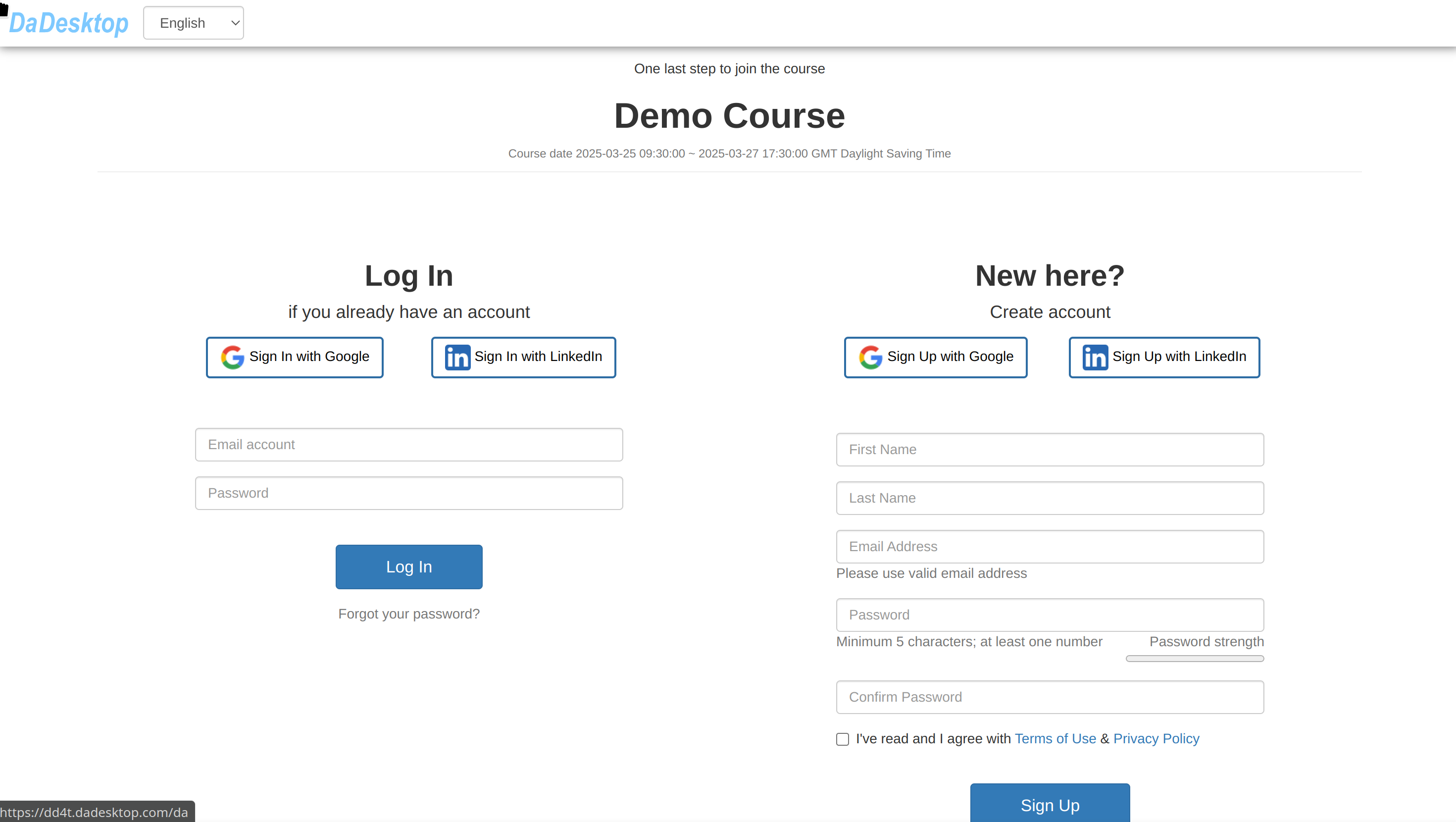
Inviting Attendees
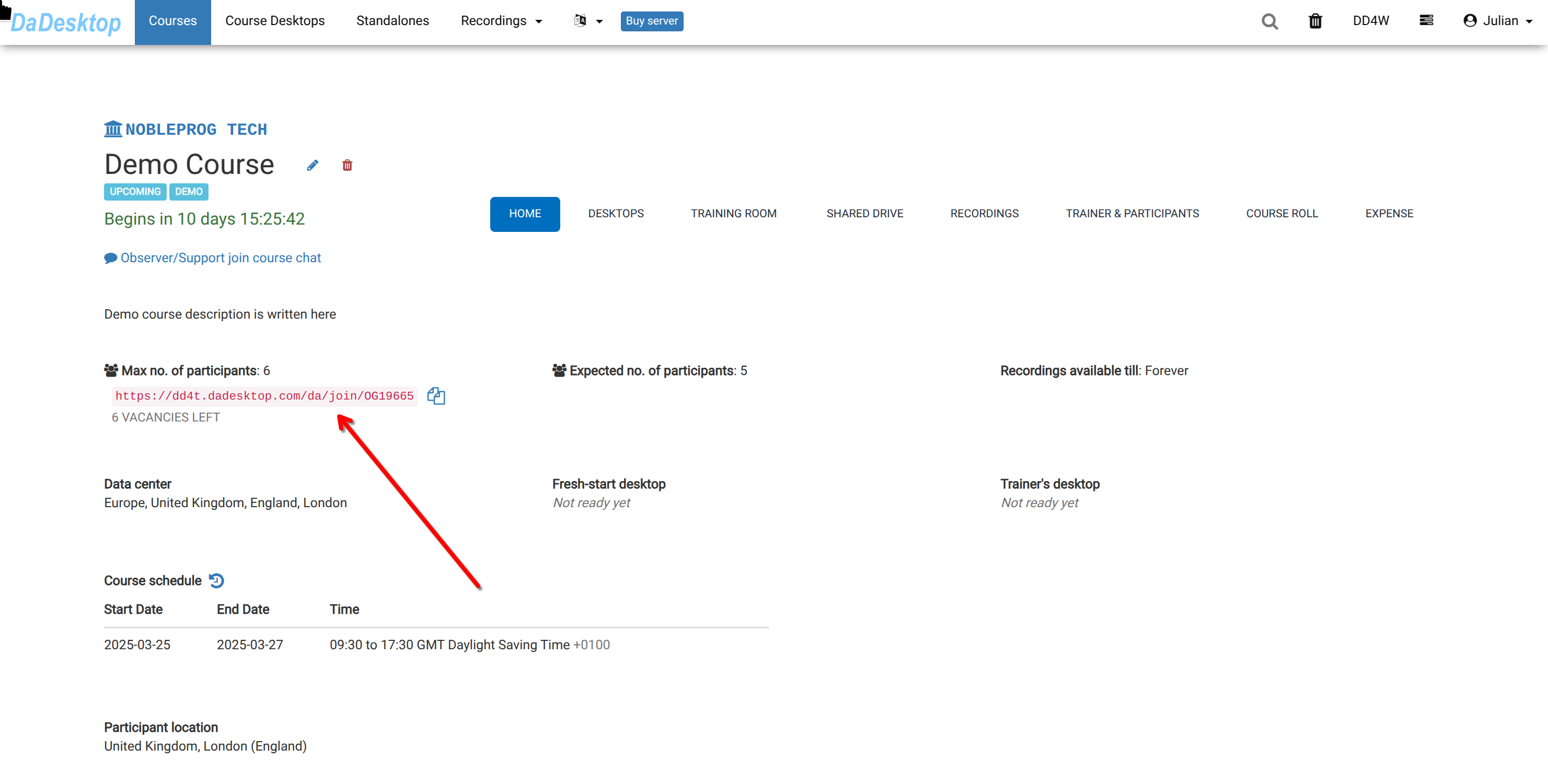
Once you've set up a course, as the trainer, you can send out invitations using the "pink invitation link".
- Participants can sign up for the course by clicking that link.
- This link is unique to that particular course (one link per course)
- It's best to use Chrome or Firefox when registering for a course.
As a participant, you just need to open the link to register for the training course.