Managing Operating System Templates
OS Template Naming Convention
We only use lowercase letters and dashes when naming templates.
You need to follow this naming convention so the application can properly classify and sort your templates.
<os>
Avoid using a dash in the <os> part
<key><number>
Examples:
centos8
debian12
win10
ubuntu2404
ubuntu2204
<template>
<os>-template-v<number>
Examples:
debian12-template-v21
ubuntu2204-template-v17
kali-template-v2
<dd4w>
dd4w-tpl-lxc-<os>-v<number>
dd4w-tpl-kvm-<os>-v<number>
Examples:
Must start with 'dd4w-'
For instance:
dd4w-tpl-kvm-win10-v5
dd4w-tpl-lxc-ubuntu2204-v2
Distribution
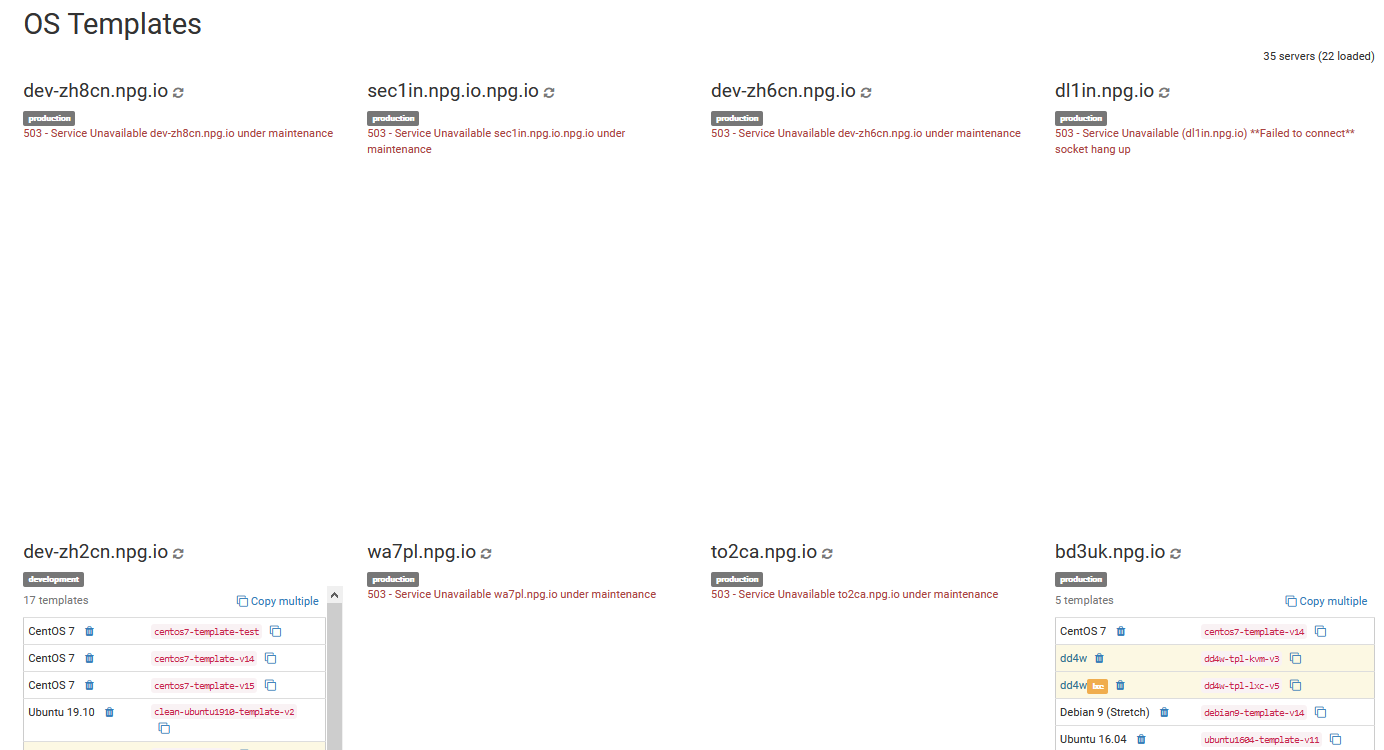
In this section, you can copy, remove or have a squiz at all the OS templates available across your cloud. Keep in mind that shifting heaps of templates can affect your server's network and overall performance. It's best to do any copying outside of normal working hours if you can.
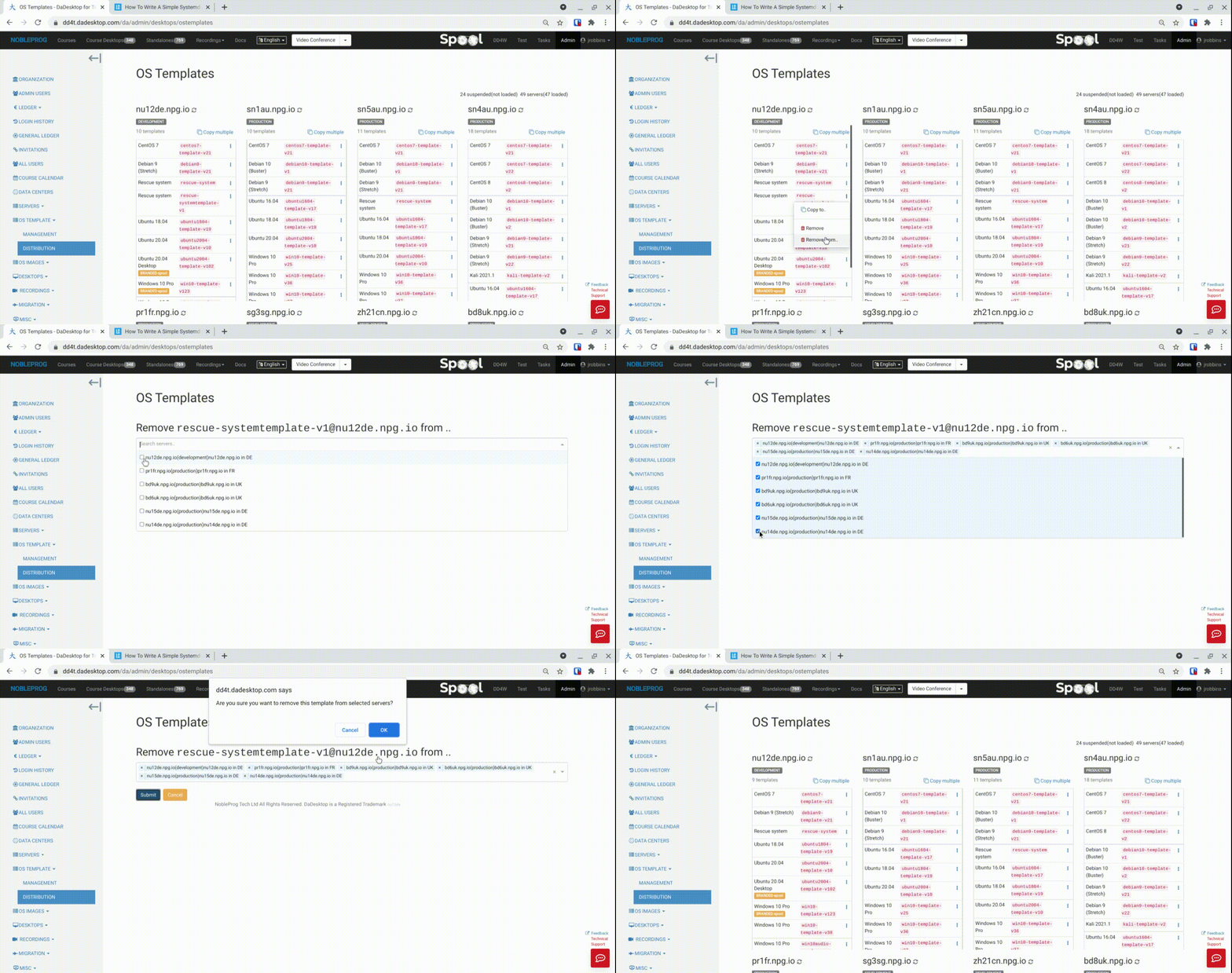
Batch Deletion of OS Templates
A new feature has been rolled out that lets you delete templates from a bunch of servers all at once. This used to be a real pain, a proper time sink, but now it's quick as and dead easy.
- Just pick a server that has the template you're after, and choose 'Remove from .. ' (the 'Remove' option is just for getting rid of a single template at a time)
- A list pops up showing only the servers that actually have this specific template
- Tick the boxes for the servers you want to delete the template from
-
Hit 'Submit', confirm the action, and those templates will be gone